How to tell a life story with family photos
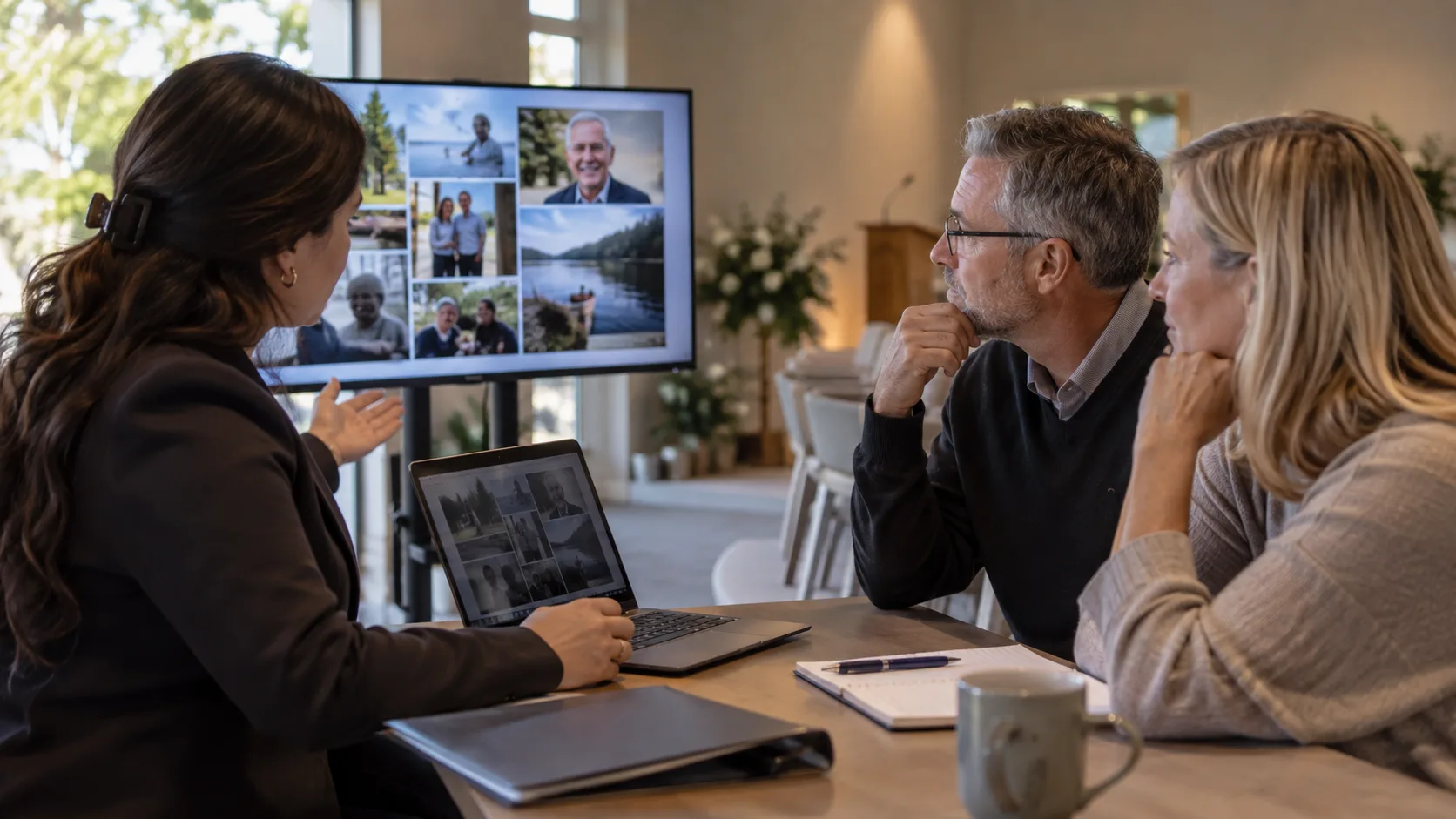
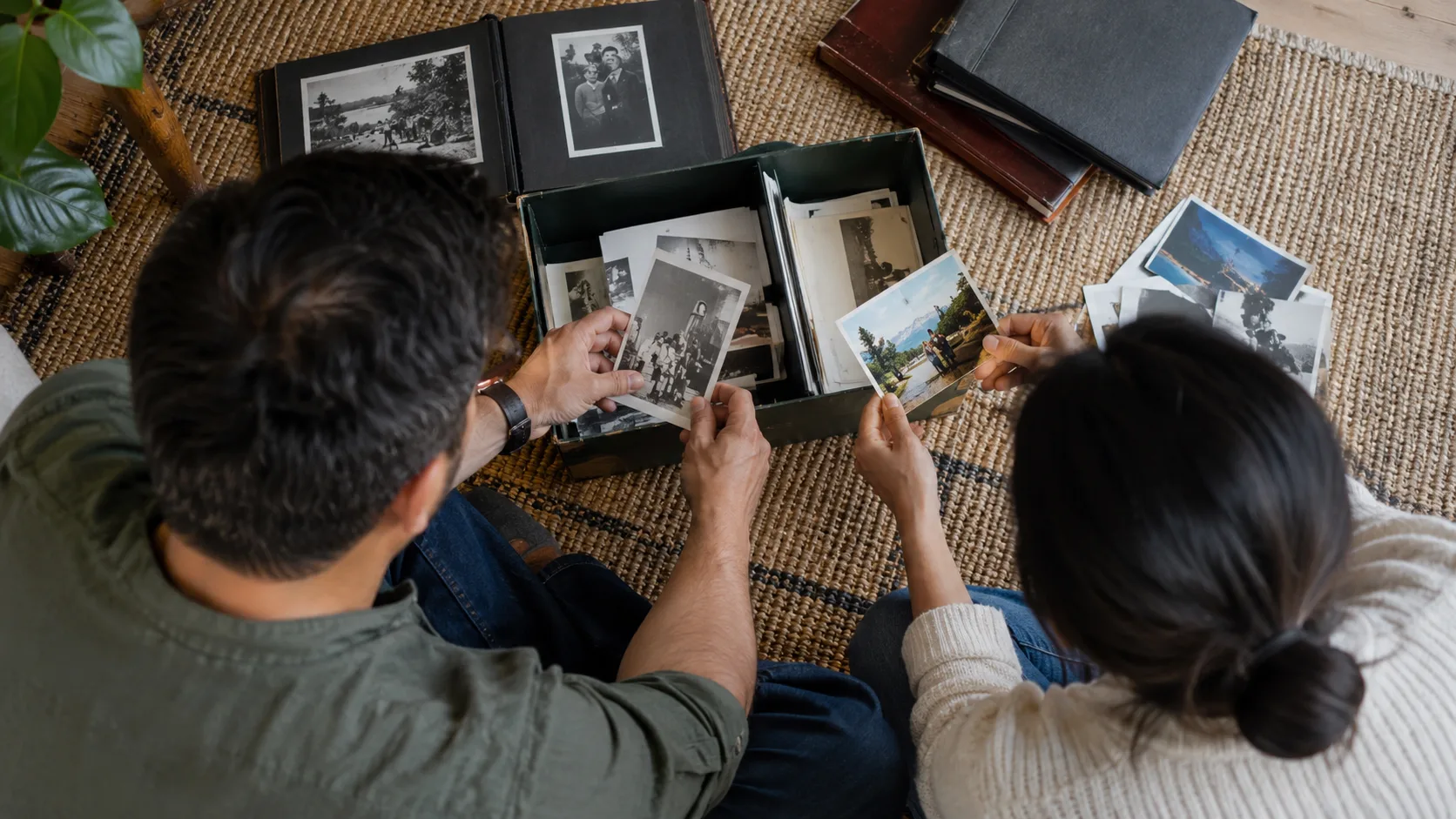
Tell a life story with family photos using a storyboard, chronological or thematic order, a balanced selection and a recognizable opening portrait.
Read more →
Practical guides for funeral professionals on memorial videos, operations and family care.
Tell a life story with family photos using a storyboard, chronological or thematic order, a balanced selection and a recognizable opening portrait.
Read more →Build a funeral home marketing plan around useful information, accurate local listings, community events and respectful follow-up, with a sample schedule.
Read more →Plan memorial slideshow length with photo-count tables, a five-minute worked example and separate timing choices for ceremonies and reception loops.
Read more →Build a funeral home business continuity plan covering essential work, decision authority, alternative resources, family updates, exercises and recovery.
Read more →Approve a memorial video proof with staff and family checklists, timestamped correction examples and wording that identifies the final version.
Read more →Choose a memorial video provider with a sample-order test, turnaround questions, a delivery checklist and clear proof approval criteria.
Read more →Deliver a memorial video to the family with download instructions, access checks, version control and a clear explanation of hosting and sharing.
Read more →Test funeral chapel video playback with a complete equipment checklist, cue sheet, backup procedure and clear release checks for the final file.
Read more →Use a memorial video photo collection checklist for family contacts, originals, captions, missing images and the final production handover.
Read more →Run a memorial video production workflow with stage owners, intake checks, approval gates, service deadlines and a ready-to-use shift handover.
Read more →