
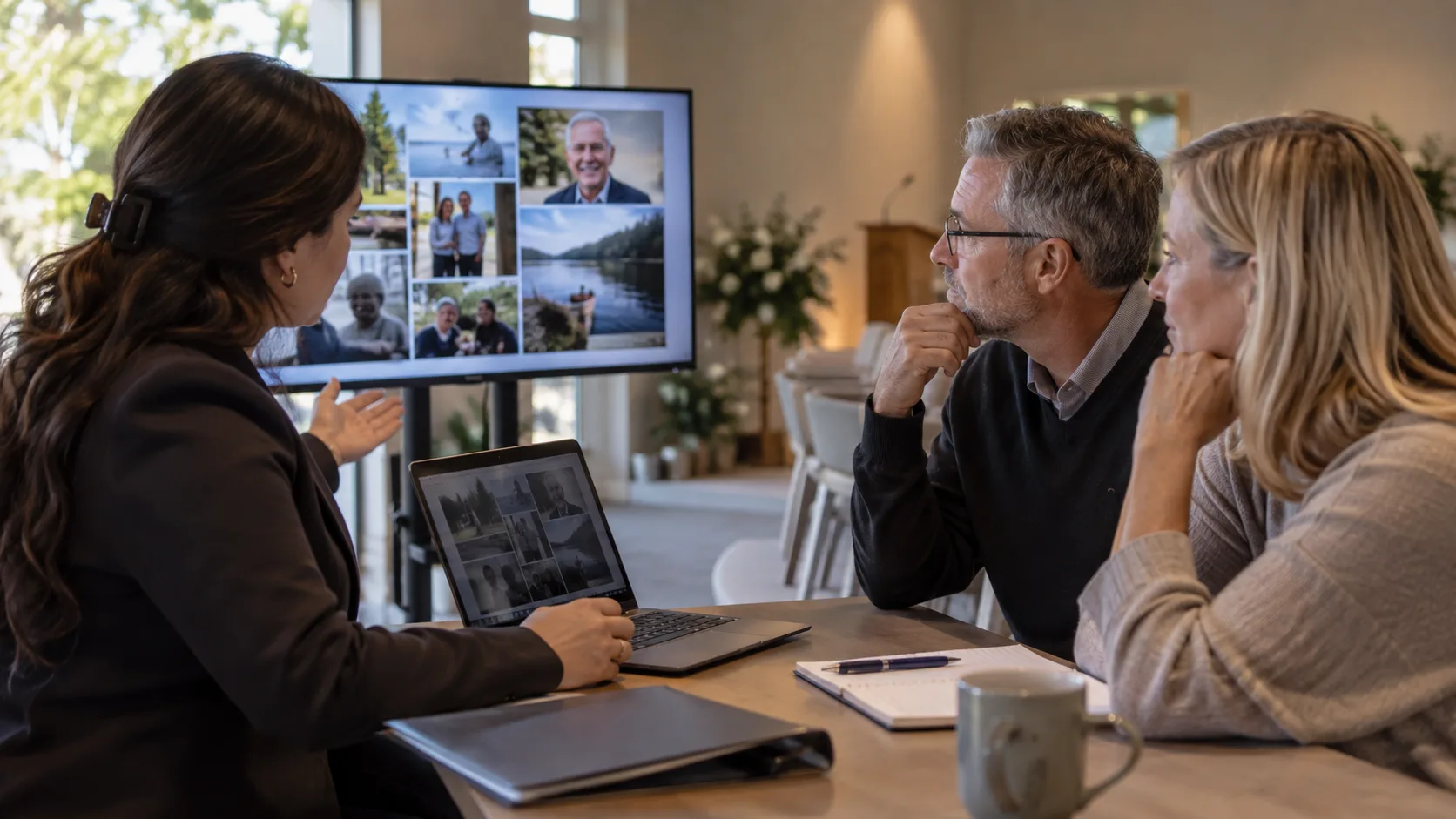
A memorial slideshow should fit the agreed service slot. For an initial ceremony plan, discuss a three-to-seven-minute presentation, then adjust it with the family and officiant. At an assumed six seconds per photograph, a five-minute slot holds 46 photos after allowing 20 seconds for opening and closing frames.
Choose the length for the viewing setting
A seated audience watches the whole presentation. Guests at a reception arrive at different times and choose how much to watch. These are different uses, so do not apply the same running time to both.
| Setting | Planning decision | Playback consideration |
|---|---|---|
| Ceremony | Agree one timed slot within the order of service. | Reserve time for the introduction and the next speaker. |
| Arrival or visitation | Decide whether the presentation repeats. | Choose a clear loop boundary and an appropriate sound level. |
| Reception or private keepsake | Decide whether guests watch together or independently. | A longer version needs a distinct filename and approval. |
The suggested ceremony range is an editorial starting point, not a universal custom or venue rule. A two-minute portrait sequence or a longer dedicated screening can suit a particular service. Use the funeral service timing guide to place it among the other contributions.
How many photos fit in three, five or ten minutes?
Calculate the available photograph time first: total seconds minus titles, video clips, spoken sections and any separate pauses. Divide the remainder by the assumed seconds per photograph and round down.
This table reserves 20 seconds for opening and closing frames. It contains still photographs only. The display time includes transitions; do not add them again.
| Total slot | At 5 seconds each | At 6 seconds each | At 8 seconds each |
|---|---|---|---|
| 3 minutes | 32 photos | 26 photos | 20 photos |
| 5 minutes | 56 photos | 46 photos | 35 photos |
| 7 minutes | 80 photos | 66 photos | 50 photos |
| 10 minutes | 116 photos | 96 photos | 72 photos |
Worked example: five minutes is 300 seconds. Subtract the 20-second allowance to leave 280 seconds. Divide 280 by six to obtain 46 complete photo slots, with four seconds remaining. The estimated file is 46 × 6 + 20 = 296 seconds, or four minutes and 56 seconds.
Set the photo pace by what viewers need to see
Use six seconds as a test setting rather than a fixed requirement. A simple portrait needs less reading time than a group picture with several names. A letter or a photograph with a longer caption needs enough time to understand both the words and the image.
-
Play ten representative photographs at normal speed without pausing.
-
Ask a colleague who did not build the sequence to read every caption.
-
Check whether faces remain visible during pans, crops and transitions.
-
Lengthen difficult frames and recalculate the total.
If every frame feels rushed, reduce the selection before shortening all the display times. The memorial photo collection guide helps families choose a manageable set without treating every available picture as essential.
Handle a collection of 100 or 300 photographs
Under the same six-second assumption, 100 photographs plus 20 seconds of titles take ten minutes and 20 seconds. Three hundred take 30 minutes and 20 seconds. These are calculations, not recommended ceremony lengths.
Explaining the choice
“The agreed ceremony slot fits a smaller selection at a readable pace. Please mark the photographs that matter most for that version. We can then check whether a separate, longer presentation is available for the reception or for private viewing.”
Do not promise an additional version before confirming it is offered. Keep the family’s complete collection secure while identifying the selection actually approved for production.
Measure the finished file before setting the cue
Editing tools handle transitions differently, so the calculation remains an estimate. Read the exported runtime and play the beginning and ending on the actual venue system. Include any spoken introduction outside the file in the running sheet. Follow the chapel video playback checklist before recording the final cue.
Check locally: agree the available slot, loop arrangements and permitted sound with the venue or officiant. Confirm soundtrack permissions separately for the ceremony, any stream and any distributed copy.
For help planning a funeral-home tribute service, discuss memorial video production with LifeTribute.
Frequently asked questions
Can one photograph stay on screen for the whole tribute?
Yes, a single portrait can accompany music or spoken memories if that is the family’s preference. It does not need artificial movement to justify its place. Agree who brings the portrait on screen, when it appears and what follows it.
Should a longer keepsake have the same ending?
Keep the approved name wording and the family’s preferred final image unless they request a change. A longer version can include additional photographs, but it still needs a deliberate ending. Label the files clearly so staff cannot substitute the keepsake for the ceremony version.
Can the video end in the middle of a song?
Plan the ending with the editor instead of stopping playback abruptly at the ceremony. A fade or a shorter permitted arrangement needs to be checked in the actual file. Agree the running time before selecting music that requires a longer presentation.