
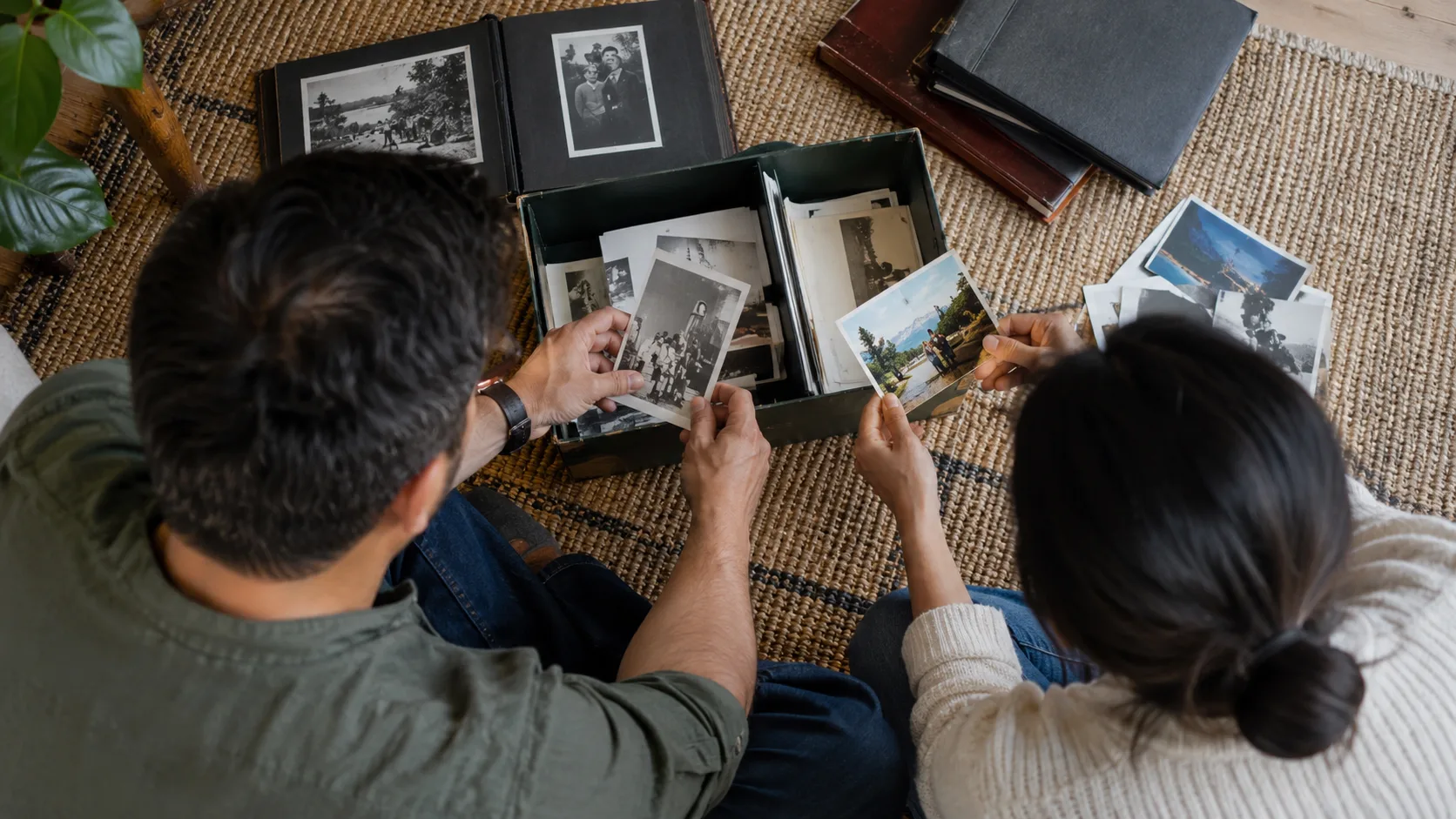
A memorial video photo collection checklist should identify the family contact, submission route, photo deadline, intended duration and approval process before files arrive. Then check each image for identity, usable quality and instructions. Send the editor a selected, numbered collection with unresolved questions clearly marked, rather than an unreviewed folder of contributions.
Before collection: agree who will coordinate
-
Record the name to use on the tribute and verify its spelling.
-
Name one family contact and one funeral-home coordinator.
-
Record a backup contact for absence, with the family’s agreement.
-
Explain who collects feedback and who is authorized to approve the video.
-
Agree the screening setting and available running time.
-
Choose one supported upload or physical-delivery route.
The family contact gathers contributions and returns a single response. That role does not itself establish legal authority over funeral decisions. Staff should follow the arrangement record for authorization while using the contact to simplify communication.
Ask the contact how comfortable they are with digital files. A person who knows the family well but cannot manage uploads might pair with a relative who can. Record both roles explicitly: one gathers and sends files; the other resolves names and selection. This avoids treating technical confidence as permission to decide the tribute’s content.
When asking: request a useful selection
Give a photo target based on the actual screening slot. Use the slideshow timing guide to relate the target to reading time and any titles or clips. Describe it as a selection request, not a judgment about how much of the person’s life matters.
-
Ask for one recognizable portrait for the opening or closing.
-
Request everyday scenes as well as formal events.
-
Invite photographs from different periods, relationships and interests.
-
Ask contributors to identify the person in group photographs.
-
Request original digital files or clear scans where available.
-
Ask for exact caption text only where a caption adds necessary meaning.
Give a clear instruction about duplicates: “If several photographs show the same event, choose the one that best represents it.” Do not ask relatives to perform detailed restoration or complicated layout work. That makes a simple contribution harder and risks altering the source image before the editor sees it.
The family photo request templates provide wording for the invitation. Use the tribute preparation handout when the family also needs one place for review and delivery instructions.
As files arrive: keep a small image register
| Record field | Example entry | Reason to record it |
|---|---|---|
| Image number | 014 | Connects feedback to one file |
| Source filename | Garden-scan.jpg | Locates the original |
| Person and context | Person being remembered, left; home garden | Prevents a wrong crop or caption |
| Instruction | Keep the dog visible | Preserves the detail the family values |
| Status | Selected; original received | Shows whether a replacement is needed |
This is a hypothetical register, not a requirement to document every person in every photograph. Record what the editor needs. If a date is uncertain, omit it or use the family’s approved broad wording. An invented year creates an avoidable factual error.
Preserve originals separately from the selected working folder. Mark rejected duplicates rather than deleting them during a live selection conversation. If the family reverses a choice, staff should be able to recover the correct image without asking everyone to resend material.
Before production: resolve the questions that affect meaning
Open every selected file. Check orientation, obvious damage, tiny faces in group photographs and captions that cover important details. View the picture at a size similar to its intended use; a thumbnail is not enough to judge whether a face is recognizable.
-
Identify files that do not open or appear incomplete.
-
Ask for better originals only where the change would help.
-
Resolve disagreement about inclusion before editing begins.
-
Mark images needing a family decision on restoration or animation.
-
Match the selected count to the approved duration.
-
Obtain the contact’s confirmation that the selection is ready.
For example, a hypothetical collection contains many recent holiday pictures but no photographs from earlier friendships. Ask whether that reflects the intended story. Do not impose equal numbers by decade. Use the photo storytelling guide to identify a meaningful gap without turning collection into an exhausting archive project.
At the deadline: send an identifiable handover
The coordinator sends one approved folder, the image register, exact title text and any agreed exception. Record the count and handover time. A note that “more photos are coming” is incomplete unless it identifies what is missing, who will supply it and what happens if it does not arrive.
Send late files as a change request, not as an unexplained addition to the folder. The editor needs to know whether the file replaces an image or extends the video. Keep the existing approved collection available until the change is accepted.
Check locally: Ask your manager which upload tools, access permissions and retention arrangements are approved. Confirm image-use permission and the authorized approver through the funeral home’s established process.
For funeral homes coordinating collection across several staff members, discuss a tribute collection workflow with LifeTribute after agreeing the family’s responsibilities.
Frequently asked questions
Should every relative submit directly to the editor?
Use one family contact to consolidate instructions, even if several people upload files. Contributors should identify their photographs and any restrictions. The contact resolves duplicates and conflicting requests before the funeral home sends the approved selection for editing.
What if the family supplies very few photographs?
Build the presentation around the photographs available rather than demanding a full biography. Ask once about albums, friends or meaningful objects if the family wants more variety. A shorter video with clear images is preferable to repeating photographs only to fill time.
Should staff rename the original files?
Keep an untouched copy of every original and create numbered working copies. The number connects each image to its caption and instructions. Retaining the original name in the collection record helps you trace a replacement back to the contributor without confusing approved selections.